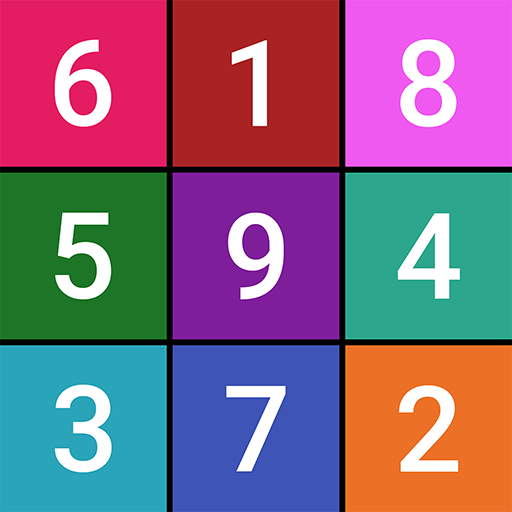
Sudoku by MobilityWare is a vibrant and timeless rendition of the classic puzzle game – a game that blends iconic puzzle-solving that you know and love with a burst of color! Whether you're a seasoned Sudoku enthusiast or just beginning your journey, our colorful Sudoku game offers an engaging approach to mastering the art of Sudoku solving.
Designed with approachability in mind, this Sudoku adventure infuses the traditional challenge with a colorful twist. Delve into the world of logic and strategy as you immerse yourself in this delightful puzzle experience. And guess what? If you're feeling nostalgic for the simplicity of the classic black and white gameplay, you can still customize your gameplay to fit the Black & White classic look and experience. Unravel the mysteries of the grid with ease and embark on a colorful journey to become a Sudoku master!
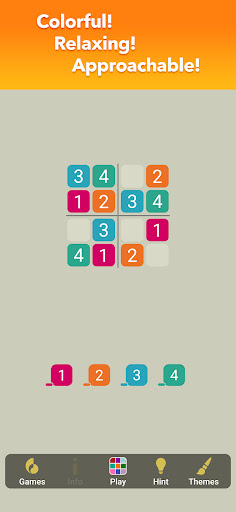
Just start easy! Truly train your brain to understand new sudoku puzzle logic without complication or the strain of looking at black and white grids. Start training by playing smaller sudoku puzzles and harness the power of color and your brain will make more logical decisions! And as you become a sudoku puzzle solving master, adjust your difficulty to hard for a break from the now too-easy sudoku puzzles from your sudoku infancy!
-Color Helps Your Eyes and Brain
Black and white sudoku puzzle grids can be stark and hurt those eyes. Our gentler color grid puzzles are easy on the eyes, and help your brain strategize faster!
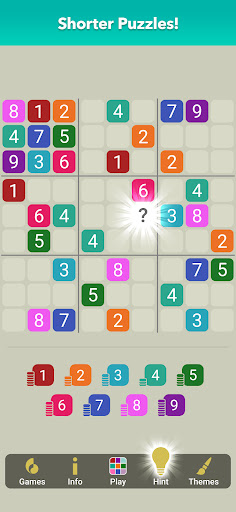
-Smaller Puzzles Give You a Big Boost
A largely blank 9×9 classic sudoku grid can be a scary thing. We start you out on smaller puzzles until you get the hang of logic and can start to formulate strategy!
-Difficulty Levels Keep You Training
Your brain will soon become a sudoku color master and while you can continue to enjoy solving sampler sudoku puzzles, you can always check Settings for Hard mode! We believe in you, but we like to play to just relax too 😉
-Sudoku Veterans Welcome
If you don’t want your hand held or you prefer a classic black and white sudoku grid, you can always access good old fashioned original sudoku from the play menu.
If we don’t make Sudoku the easiest game to learn or better understand, color us confused 😛
Information:
| Game name | Sudoku Color – Classic Puzzle! |
| MOD Publisher | Modoha |
| Current version | v1.6.7.1799 |
| Update day | 2025-12-17T00:16:51.000Z |
| MOD version | v1.6.7.1799 |
| Capacity | About 57MB |
| Operating system | Android 8.0 or higher |
| Game genre | Casual |
| MOD feature | Menu, unlimited gold and diamonds, unlocking |
| Game price | Free |
Sudoku Color – Classic Puzzle! Apk (Mod, Unlimited Money) Download free
What’s In MOD version?
- Unlimited Money/Gems
- Unlocking Features
- God Mode
- Unlimited Health
- No Ads
- Premium
Is Sudoku Color – Classic Puzzle! Mod safe?
Sudoku Color – Classic Puzzle! Mod is 100% safe. This mod was upload by users. It has been tested and overviewed by editor. Then we will use all types of an-ti virus software to scan the file. You do not to worry about the safety of Mod Apk.
Note: Sudoku Color – Classic Puzzle! modified version are not officially supported by the game developers.
How to Install
Step 2. Once it’s downloaded, open Downloads, tap on the APK file, and tap Yes when prompted.
Step 3. com.mobilityware.Sudoku.Apk will begin installing on your device. Simple.